Best AI Tools for Creating Children's Books in 2026
A balanced 2026 roundup of the best AI tools for children's books: character consistency, art styles, translation, export, and pricing.
Best AI Tools for Creating Children's Books in 2026
Creating a children's book has never been more accessible. With the right AI tools, parents and independent authors can go from a bedtime idea to a printed, illustrated story in a single afternoon. But not every tool is built the same, and the gap between a charming keepsake and a frustrating mess often comes down to a few key features. Here is an honest guide to the best AI tools for children's books in 2026, and what to look for before you commit.
What Makes a Great AI Children's Book Tool
A good tool does more than generate pictures. It helps you shape a story, keeps your characters looking the same on every page, supports the languages your family speaks, and gets your book ready to share or sell. When you compare options, weigh these six areas: character consistency, illustration style, writing help, translation, export and self-publishing, and pricing. A tool can be excellent at one and weak at the rest, so match its strengths to what your project actually needs.
Character Consistency: The Hard Part
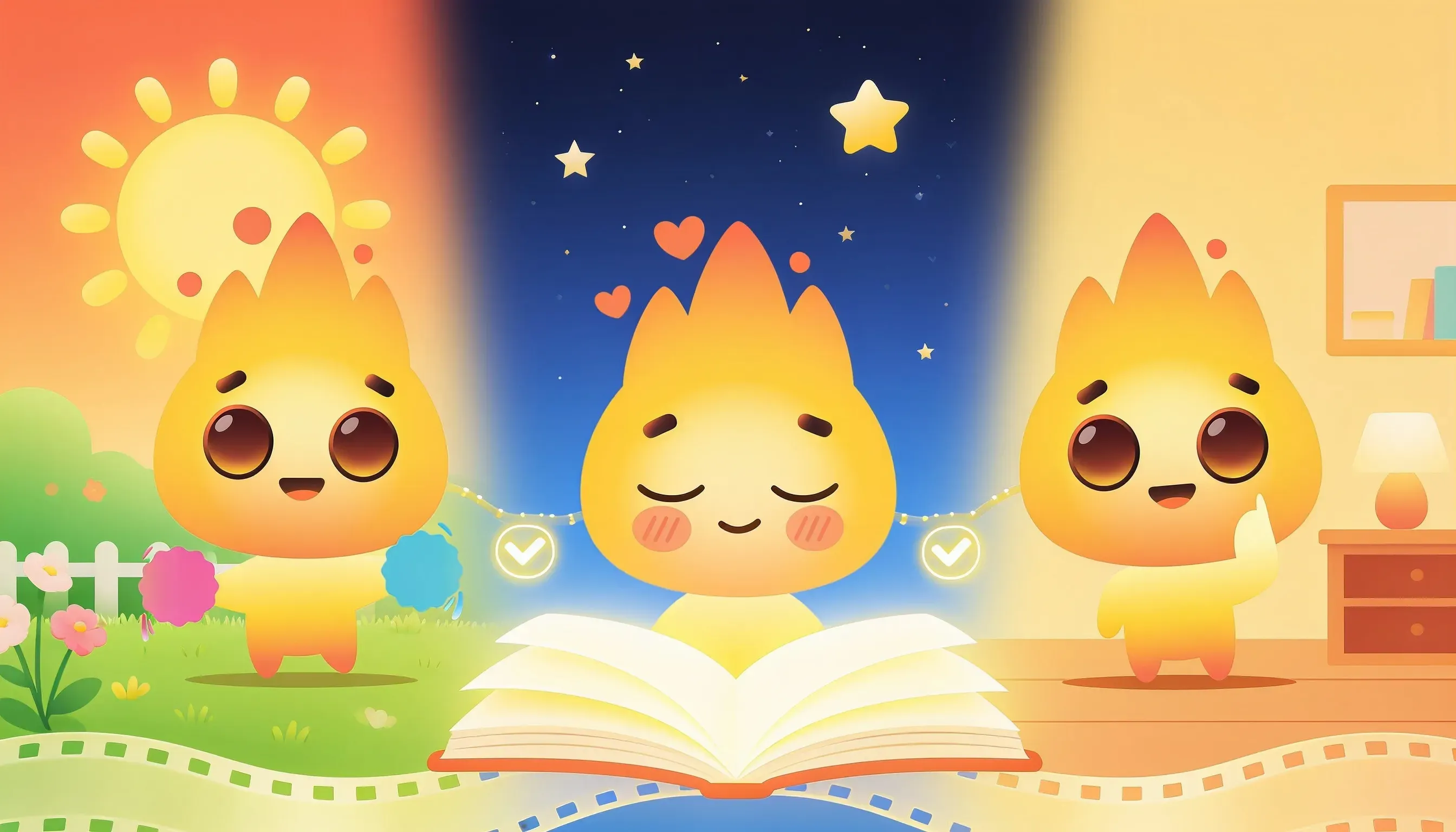
Ask any creator what breaks an AI picture book, and they will say the same thing: the hero looks like a different child on every page. Early image generators treated each illustration as a fresh request, so hair color, clothing, and faces drifted from spread to spread.
The best tools in 2026 solve this with reference-based character models. You define a character once, and the system reuses that identity across the whole book. When you evaluate a tool, test it: generate five pages with the same character and check whether the freckles, the jacket, and the expression hold steady. This single feature separates a believable book from a collage of strangers.
Illustration Styles That Fit Your Story
Children's books live and die on their art. A sleepy bedtime tale wants soft watercolor; a silly adventure wants bold, cartoony lines. Look for a tool that offers a real range of styles rather than one house look that makes every book feel identical.
A few things worth checking:
- Can you preview a style before committing the whole book?
- Does the art stay age-appropriate and warm, not uncanny?
- Can you adjust a single illustration without regenerating everything?
Flexibility here means your book looks like your book, not a template.
Writing Help Without Losing Your Voice
AI text help is a spectrum. At one end, the tool writes the whole story for you; at the other, it only polishes your draft. For children's books, the sweet spot is usually in the middle: you bring the heart and the personal details, and the AI helps with rhythm, rhyme, and age-appropriate vocabulary.
Good writing assistance suggests rather than dictates. It should help you tighten a clunky sentence or find a gentler word, while leaving the story unmistakably yours. Be wary of tools that produce generic, sing-song text with no room to edit.
Translation and Reaching More Readers
If you want grandparents abroad to read along, or you are publishing for a wider market, translation matters. The strongest tools translate the full book, not just the cover, and keep the layout intact so the art and text still line up.
Watch for quality. Machine translation that ignores rhyme and tone can flatten a lovely story. Tools built for children's books handle names, idioms, and read-aloud cadence with more care than a generic translator.
Export and Self-Publishing
A finished book you cannot use is just a slideshow. Check what you actually get to take away: a print-ready PDF, the correct page sizes and bleed for print-on-demand services, and a digital version for tablets. Some platforms also guide you toward self-publishing, which saves hours of formatting headaches.
If selling is your goal, confirm the export meets the specs of the marketplace you have in mind before you fall in love with the preview.
Where AnyTale Fits
Most tools do one or two of these things well. AnyTale was built to handle the whole journey in one place: define a character and keep them consistent, choose from a range of warm illustration styles, get help with the writing, translate the finished book into many languages, and export a print-ready file for self-publishing. It will not be the perfect fit for every single project, but if you want an all-in-one path from idea to printed book, it is one of the strongest options in 2026.
Conclusion
The best AI tool for your children's book is the one whose strengths match your story. Decide what matters most, whether that is rock-solid character consistency, a specific art style, or easy self-publishing, and test before you commit. Ready to turn your idea into a real, illustrated book? Start your first story with AnyTale today.
Share this article
Need help? Have a question? Chat with our team — we're happy to help.